



































































































Hướng dẫn tham gia Airdrop AllScale
Creator Arena R2
AllScale has announced the launch of the Creator Arena campaign. You can create content in any format and in any language to compete for a spot in the top 20 and earn the role Creation Master
• Submission period: April 23–May 14
• Judging: May 14–May 21
Priority topics that carry greater weight in the evaluation:
• AllScale Checkout features, integrations, and use cases
• Partnerships. For example, the collaboration with Bravo
• Actual payments from integrated merchants
1. Go to the AllScale page on X and follow it
2. Create some content and post it on X. In your post, tag @allscaleio and use the hashtag #AllScale
3. Send a link to your post to the creator-arena-r2-submit channel on Discord
Community Incentive Program. Roles
AllScale announced the launch of a Community Incentive Program. You can get involved and create content to earn roles on Discord, which, together with AS Points, will influence future rewards.
• Amplify Vanguard role: given to users who support the project on social media
The role is distributed each month among those who have reached the required threshold of points
Points are awarded for interacting with posts on X:
• Like: 1 point,
• Repost: 2 points,
• Reply: 2 points
Activity in the first 15 minutes gives a bonus of +2 points.
• Creation Master role: for creating content.
Every 20 days, the AllScale Creator Arena contest is held, where the team and community select the winners.
• Raffle system: accumulated points can be used to participate in regular raffles.
Role owners get an advantage
1. Go to Discord and keep an eye out for the monthly Allscale Creator Arena event.
Post your content on X with the tag @allscaleio and the hashtag #AllScale. Then, send a link to your tweet to the creator-arena-submit channel.
2. To receive Apmlify Vanguard, follow the x-engagement channel.
Point Farming
Yesterday (December 8), AllScale raised $5 million in additional investment. They previously launched a platform that allows users to create and pay invoices. In addition to creating invoices, users can earn points for completing simple tasks and checking in daily. In the future, these points may be converted into rewards.
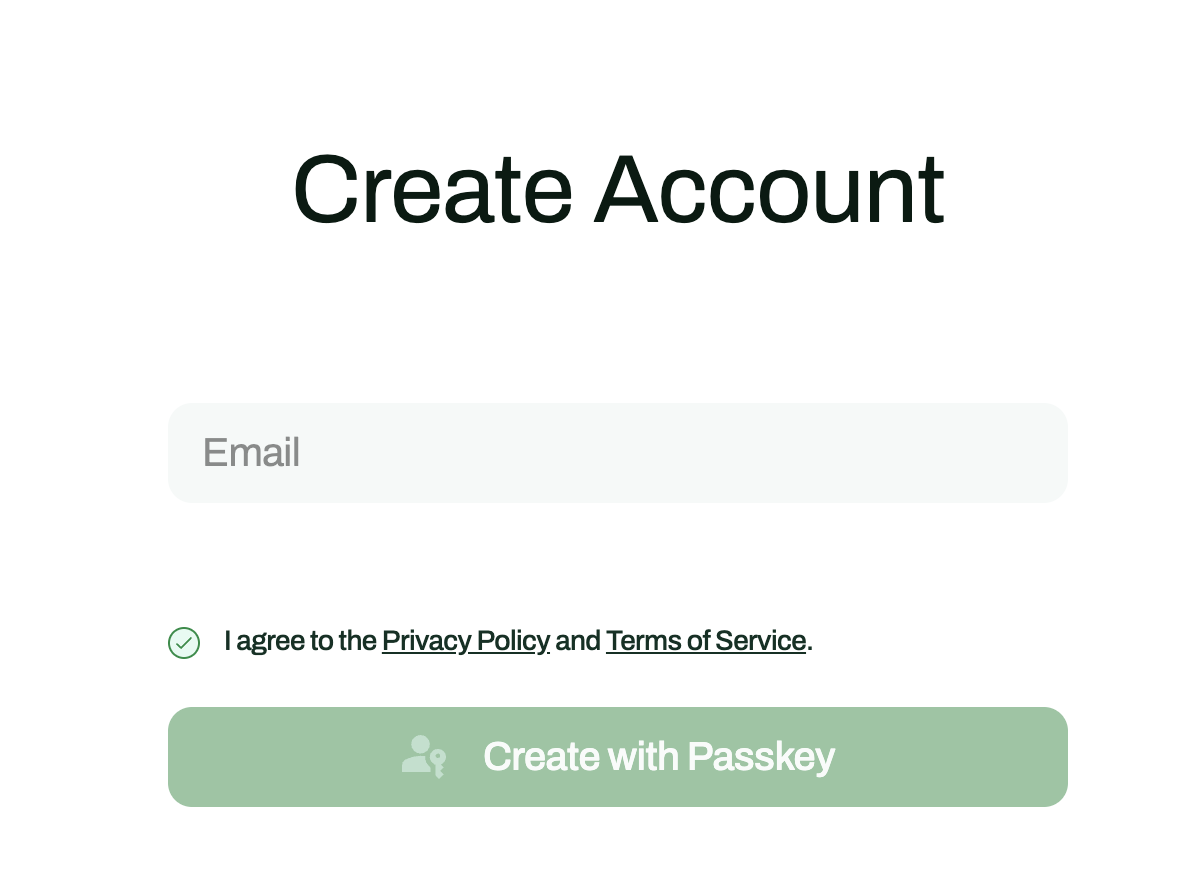
1. Go to the website and create an account. You will need a mobile phone to do this:
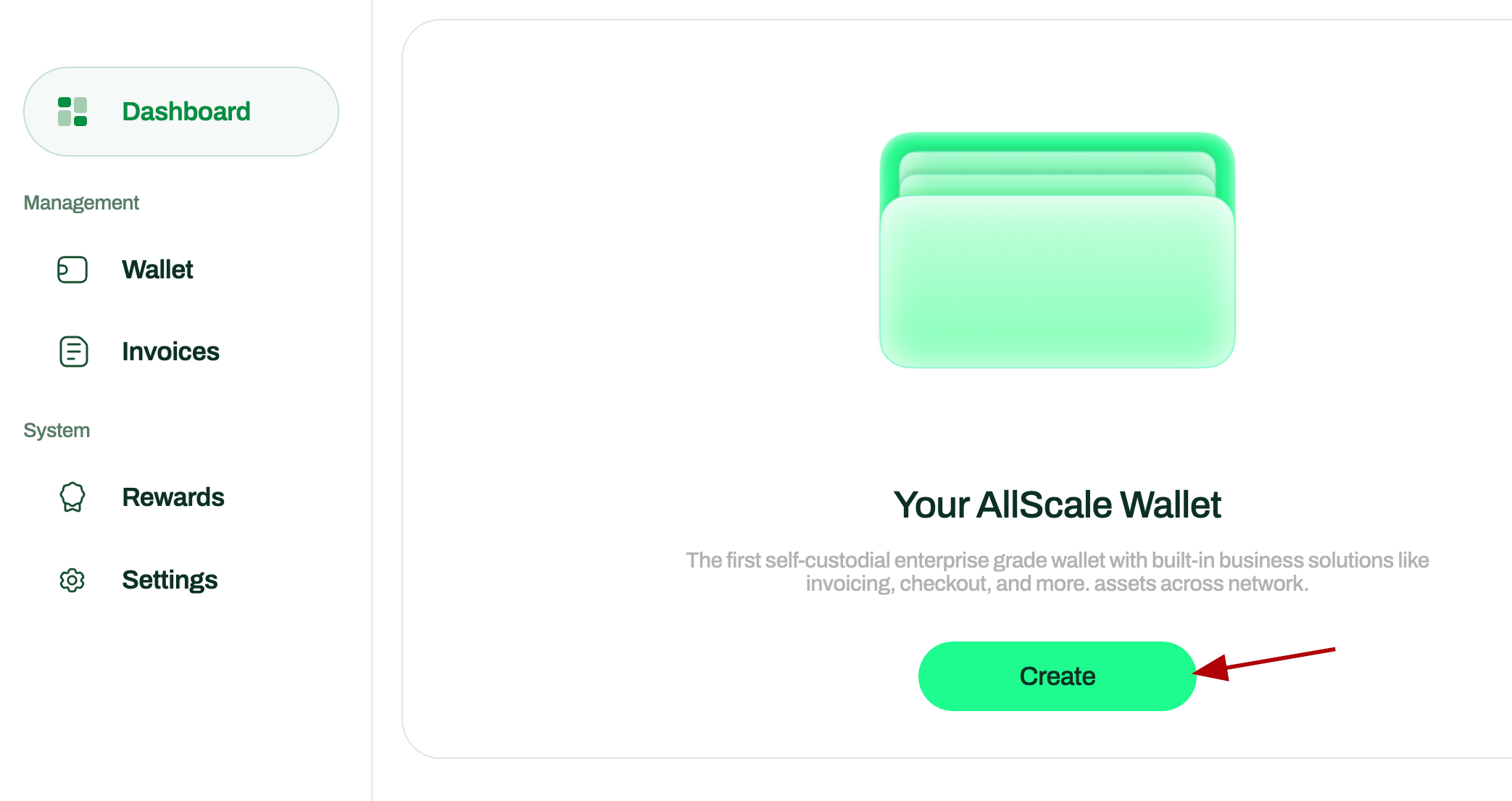
2. Create a wallet on the platform:
3. Create and pay invoices:
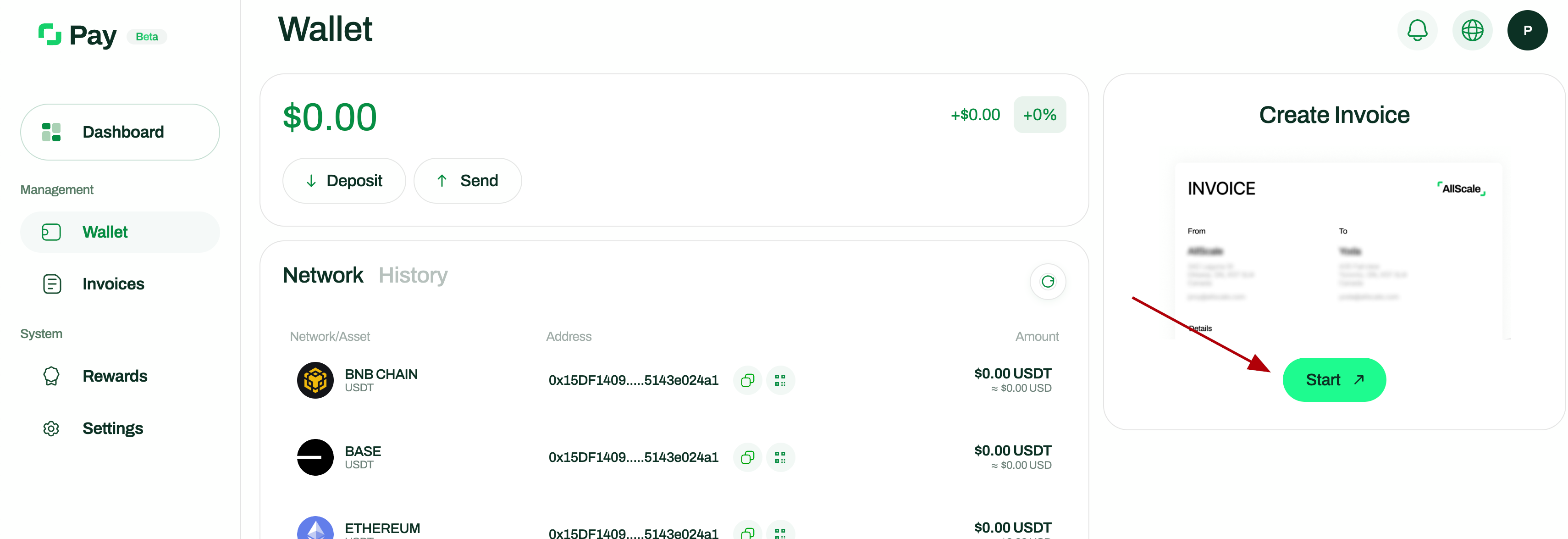
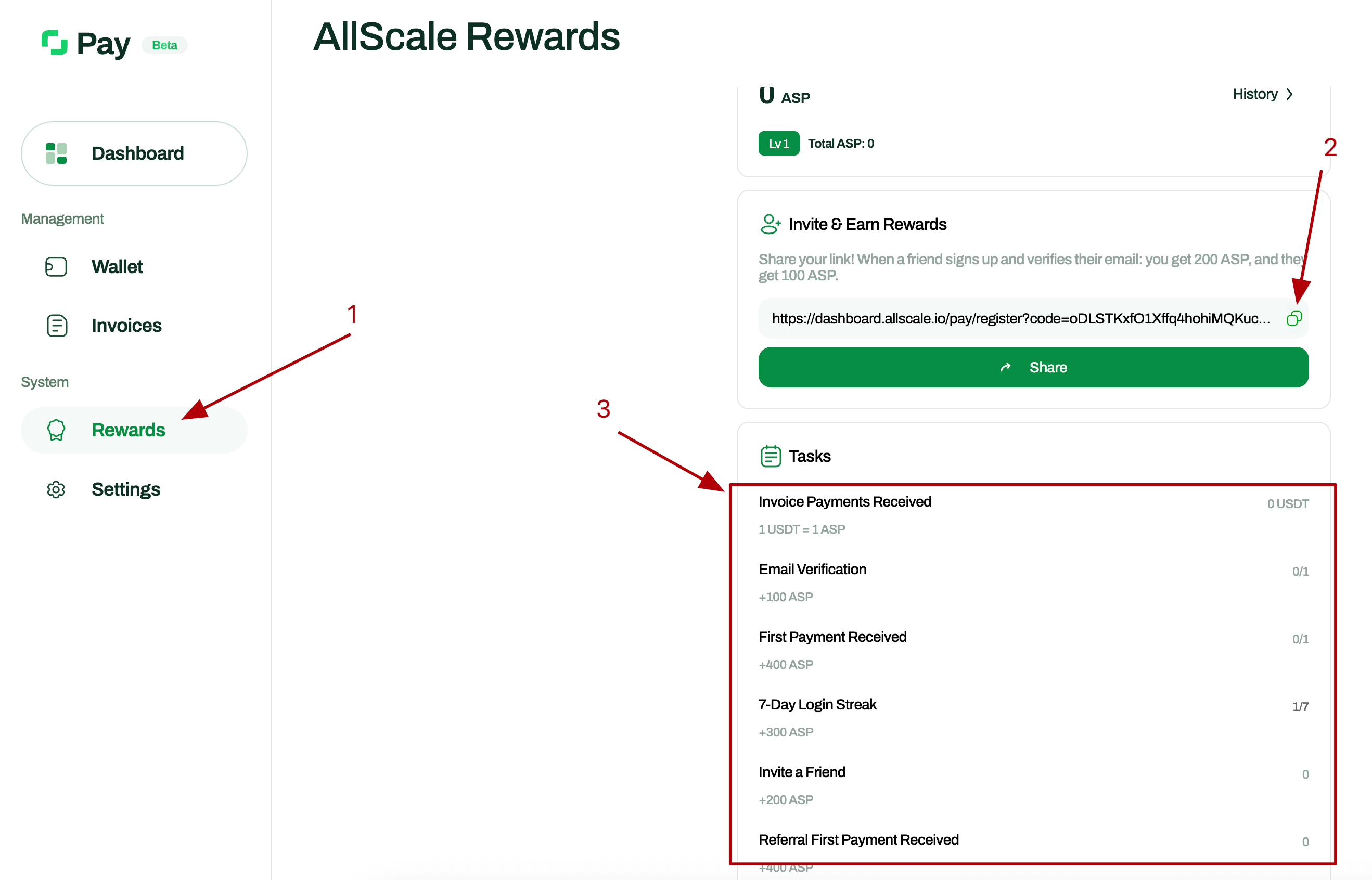
4. Open the Rewards tab, complete tasks, and invite friends: