































































































Hướng dẫn tham gia Airdrop Fhenix
Creators Program: Privacy Backroom
Fhenix has announced the launch of the Privacy Backrooms program for content creators. You can create unique content that explains complex technologies in various formats to apply for the program and earn rewards in stablecoins
• Over the past 3 months, more than 30 authors have collectively earned over $40,000
1. Create unique content in a non-standard format.
2. Follow the project’s account. Go to the comments section and share your work
Token Deploy
Fhenix has announced a new activity on the Sepolia testnet! You can deploy a contract to mark your address.
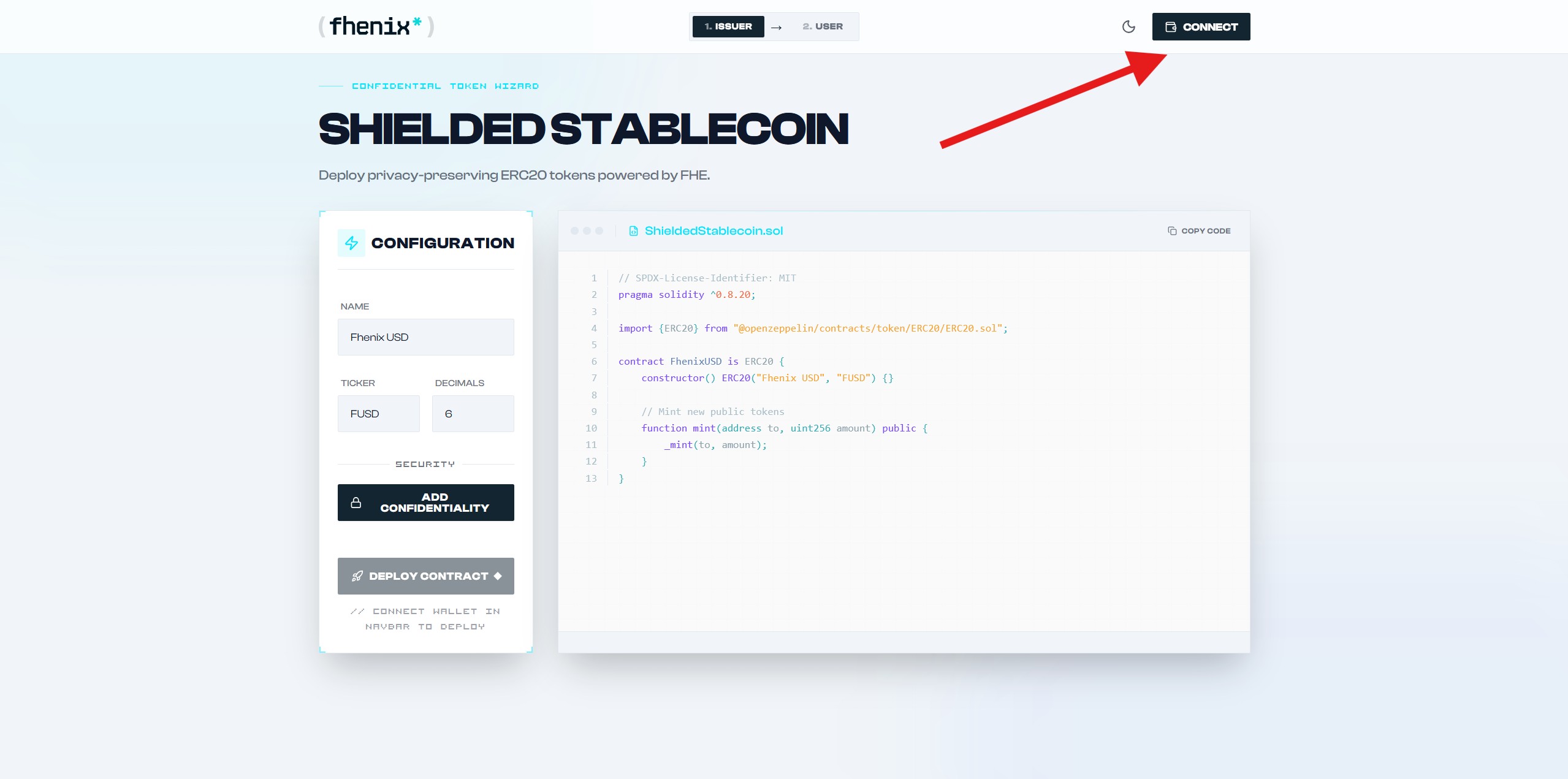
1. Go to the website and connect your wallet.
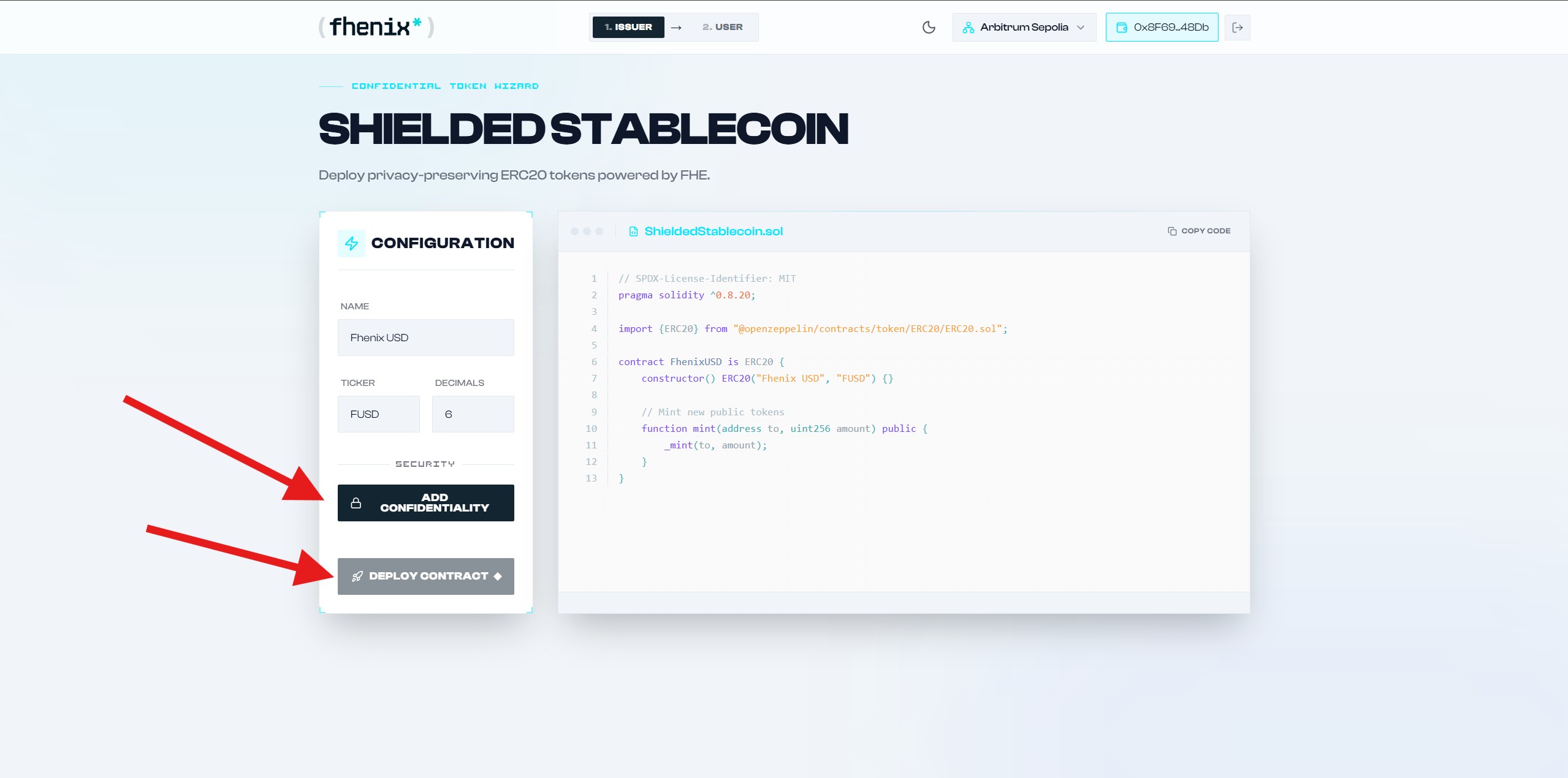
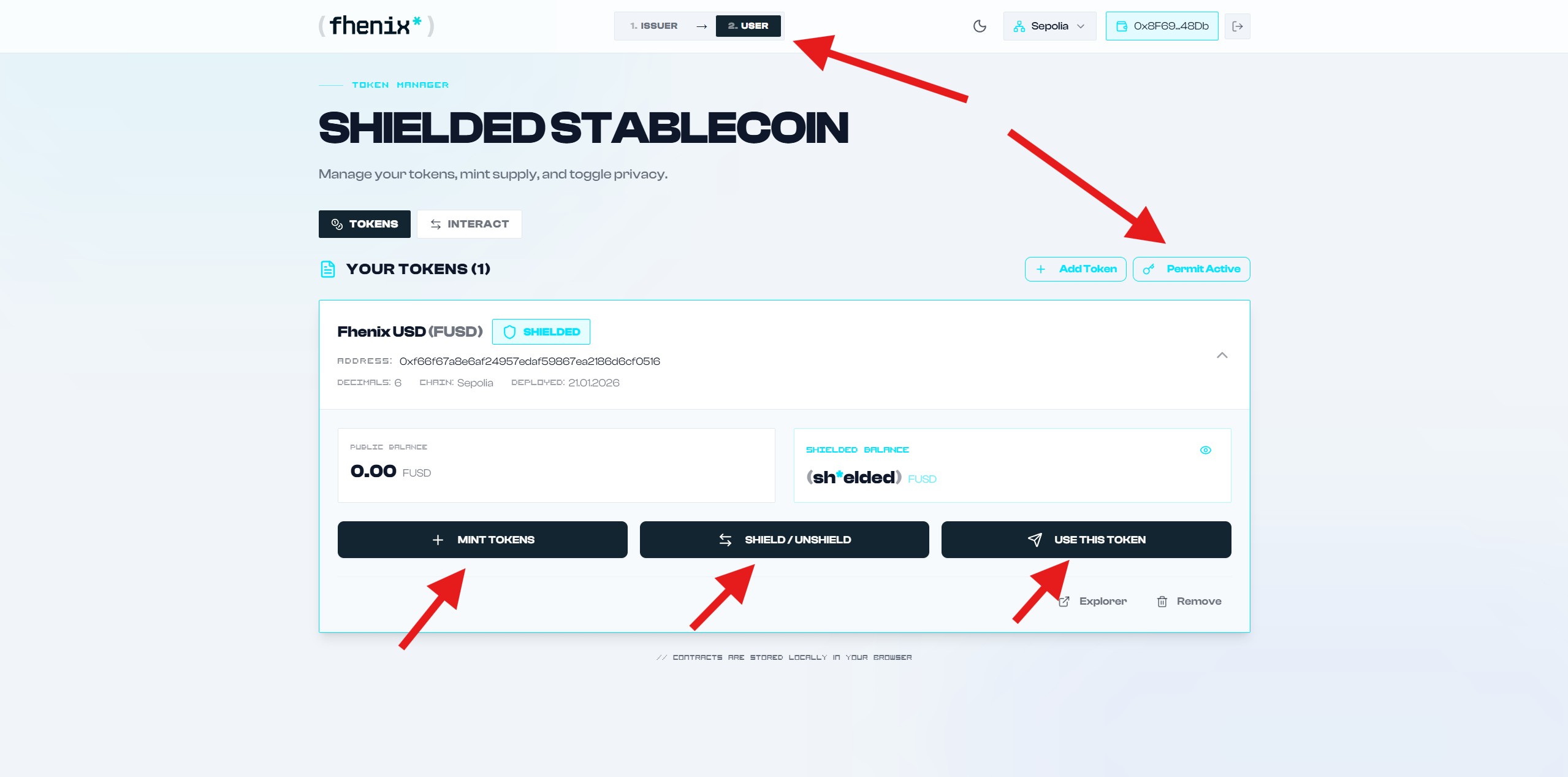
2. Click Add Confidentiality and then Deploy Contract. Please note that you will need ETH on the selected testnet. Available networks include ETH Sepolia, Arbitrum Sepolia and Base Sepolia.
3. Go to the User section After deploying the contract. Click Permit Active and sign the message in your wallet. Interact with your token by minting tokens, sending them, and using the Shield feature.
Roles
Fhenix has updated the conditions for obtaining the Redact Masters role. You can get unique roles through participation and contribution in Discord server.
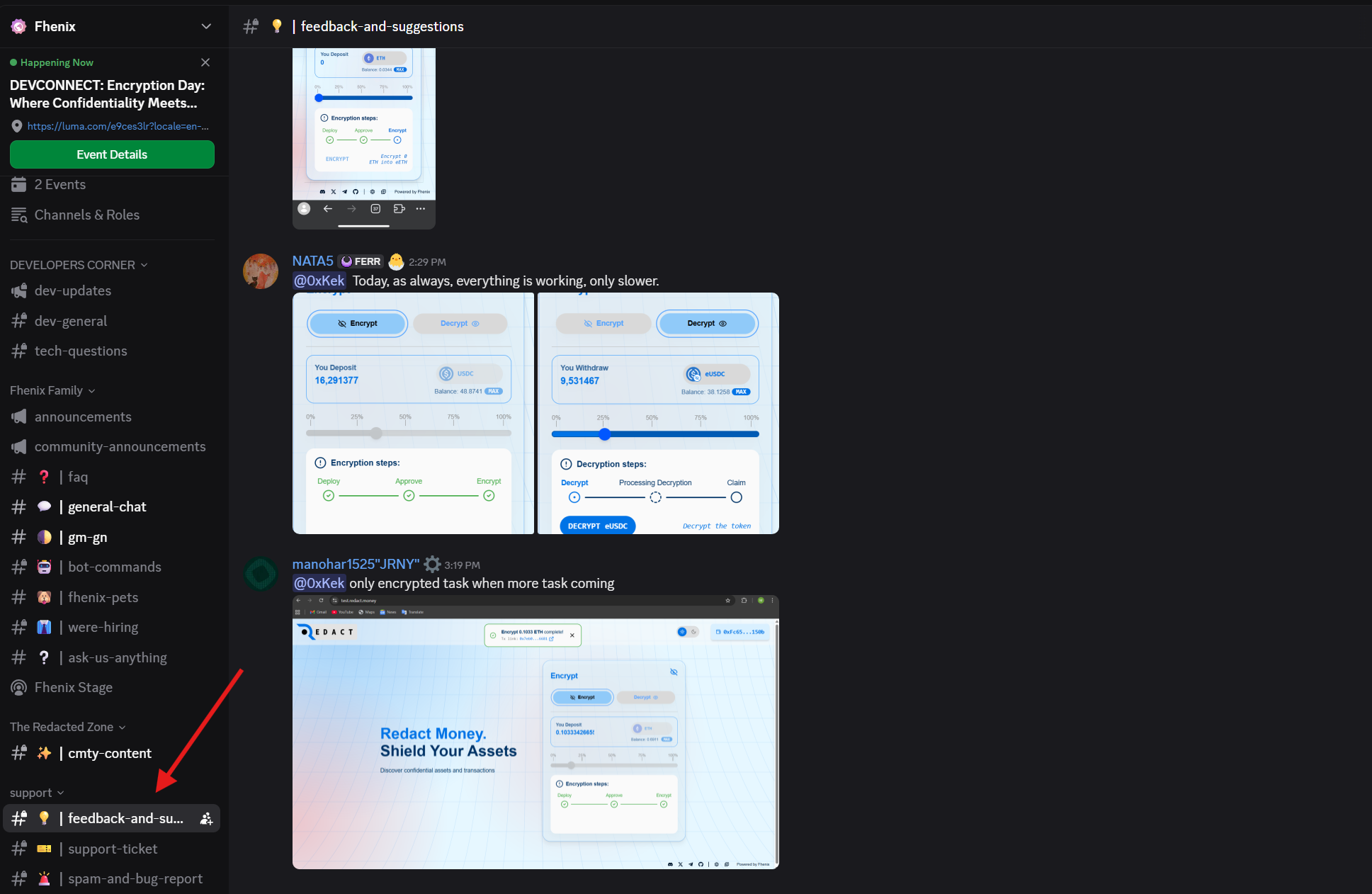
1. Go to Discord via the official website and send feedback about the Redact testnet in the feedback-and-suggestions channel.
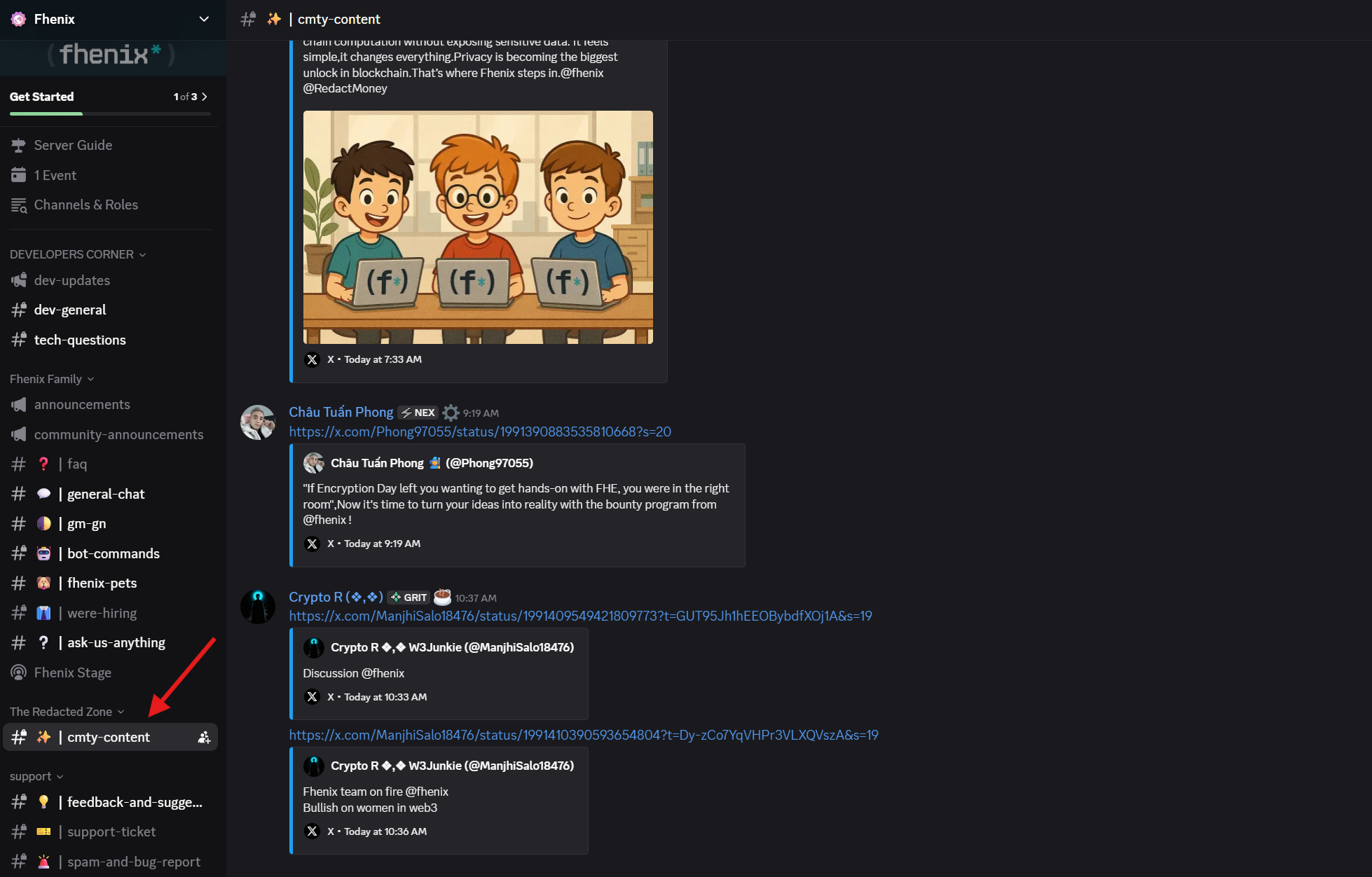
2. You must earn the Starter or Enthusiast role through active participation on the server. This is a mandatory for obtaining the Redact Masters role. Be active in discussions in the chats and participate in events. Create relevant tweets with the tags @fhenix @RedactMoney and submit them in the cmty-content channel. Note that all roles are assigned manually by moderators or the team. To learn more about the conditions, check the pinned messages in the general and cmty-content channels.
Redact Testnet & Role
Fhenix has announced the Redact testnet some time ago. You can become an active user and send feedback to qualify for possible rewards and exclusive roles.
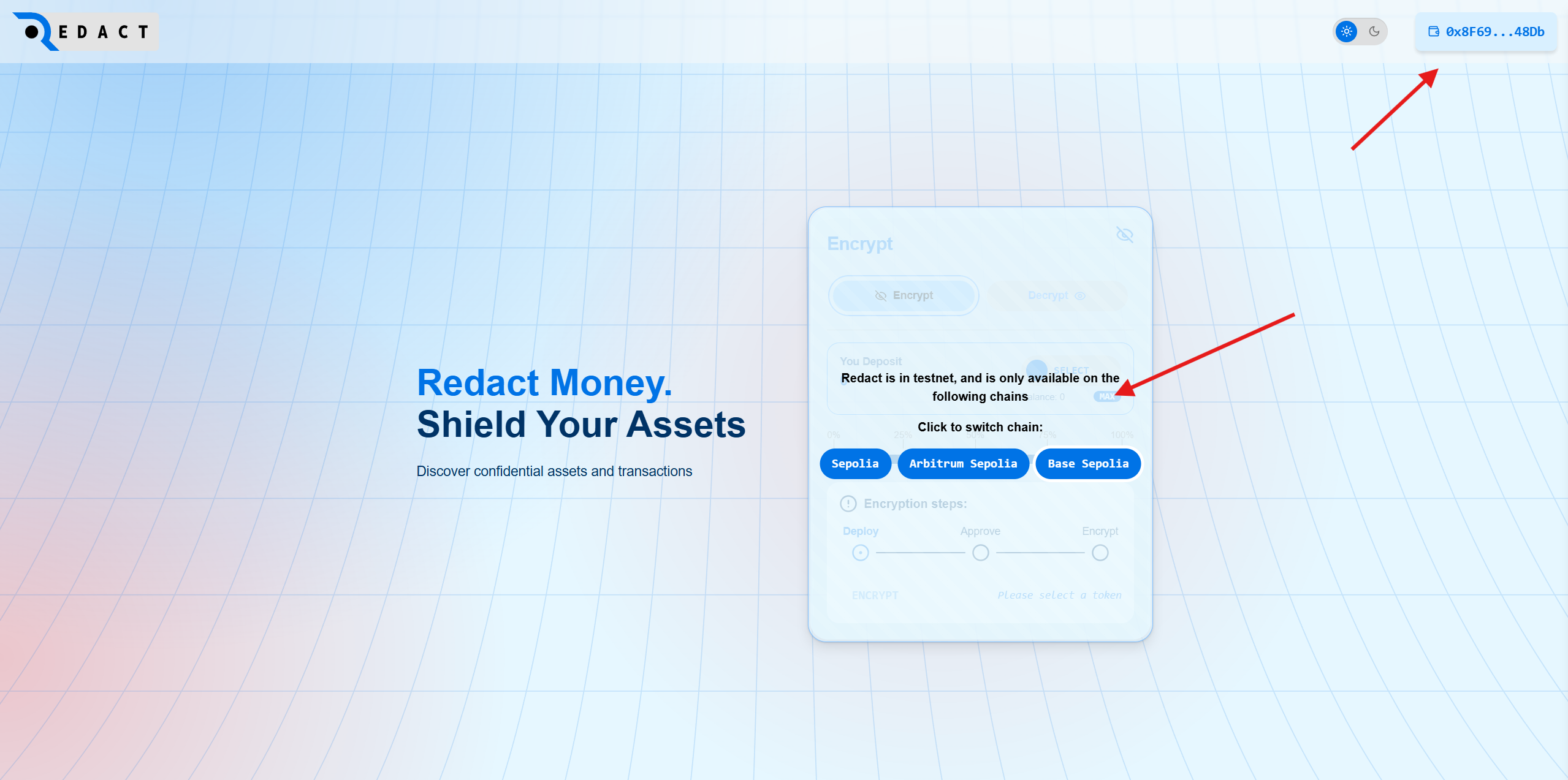
1. Go to the website and connect your wallet. Select the Sepolia network. Note that you need test ETH. To request test coins use Faucet.
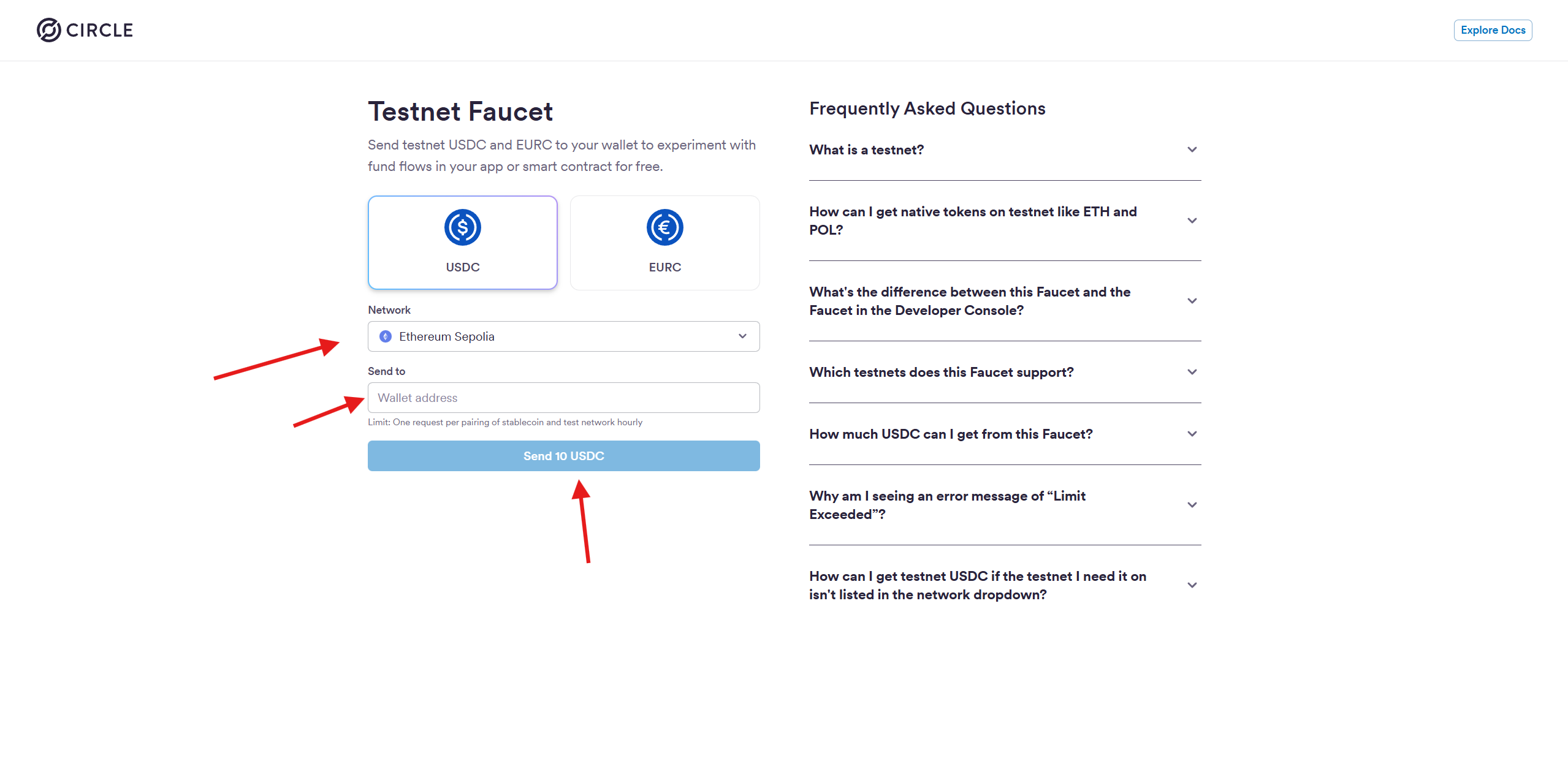
2. Go to the Circle Faucet website and request test USDC in the Sepolia network.
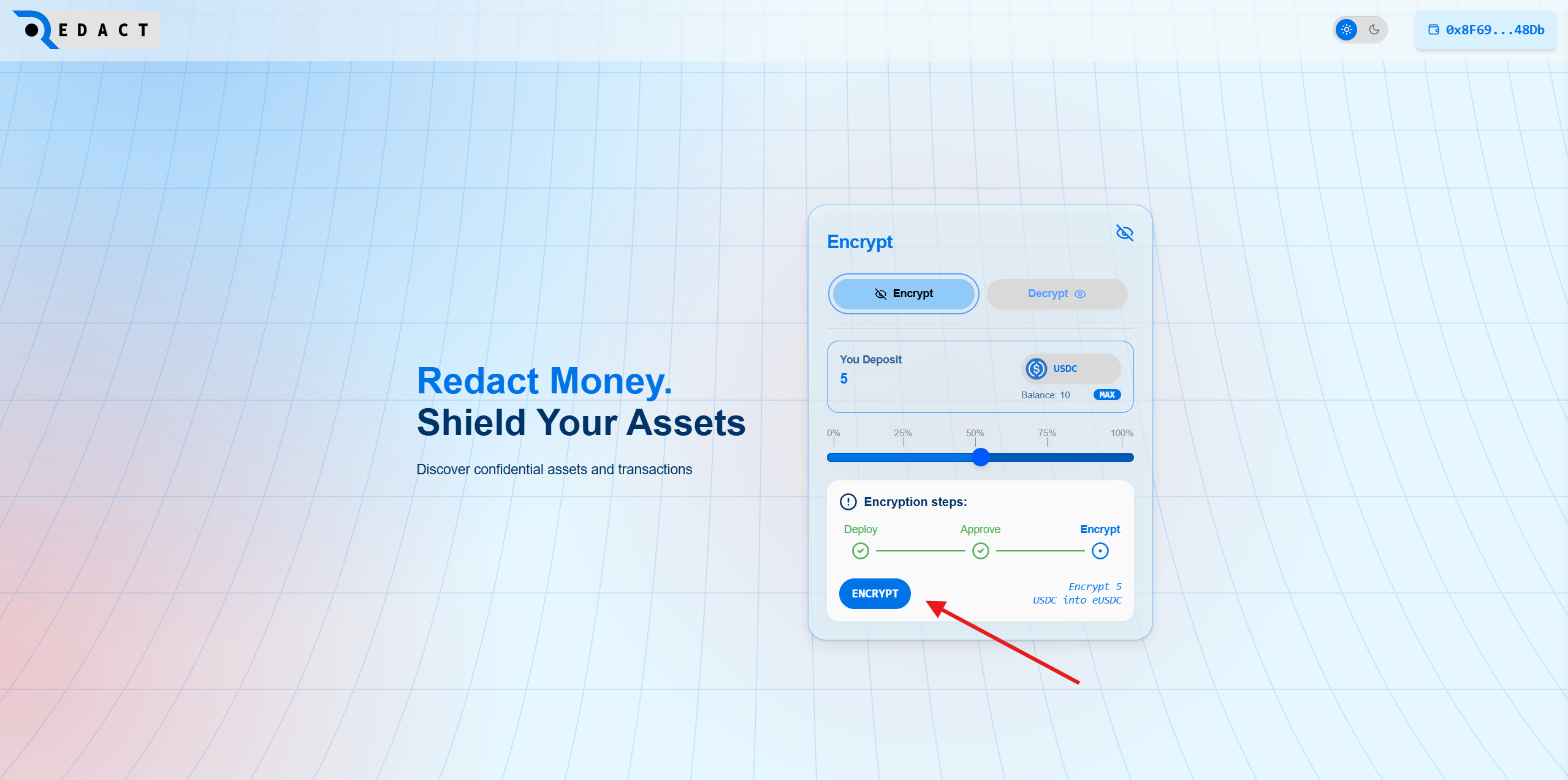
3. Sign the Approve and click Encrypt to receive test eUSDC.
4. Go to Discord via the official website and send feedback about Redact in the feedback-and-suggestions channel. Ping moderator cryptoav in your message to get a role.
Fhenix Testnet
The project has announced the launch of a testnet, by participating in which we will become early adopters and qualify for a potential airdrop from the project.
Let's get started.
1. Go to the website and connect your wallet. 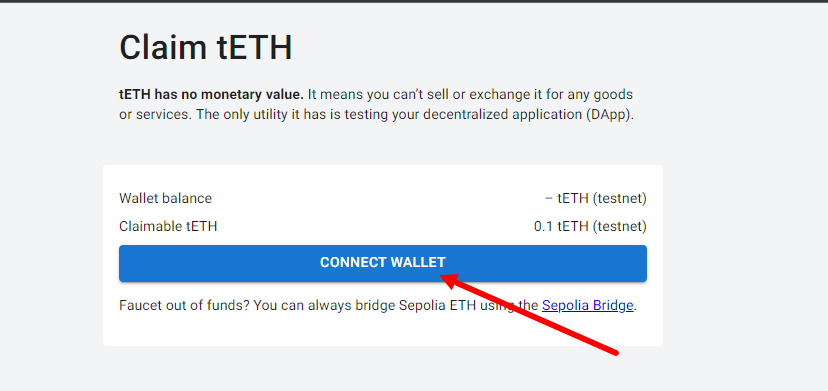
Then add the Fhenix test network and click on "Claim еETH".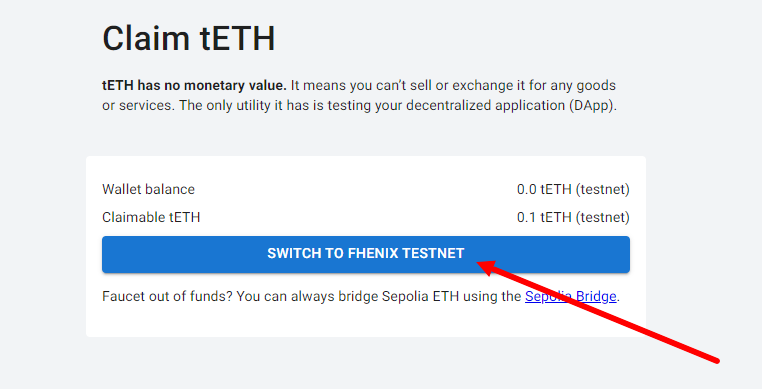
Test tokens can be claimed every 24 hours.
2. Go to Fhenix Bridge and connect your wallet (1). Then enter the amount in the input field and click on “Deposit Funds” (2).
Don't limit yourself to just one transaction, make as many as you can.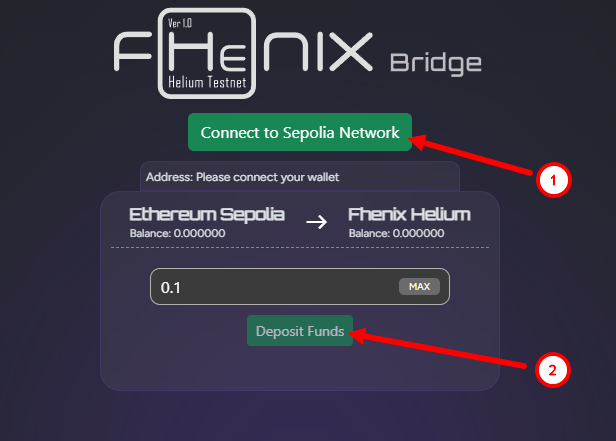
3. Periodically repeat the above steps and wait for new activity to appear.